Mesh WiFi vs WiFi Extender : comparison and buying guide
Contents
Does your home WiFi have dead zones? Two main solutions exist : mesh WiFi with several coordinated satellites, or the WiFi extender (repeater) that rebroadcasts the main router's signal. Mesh performs better but costs more ; the extender is budget-friendly but has notable limitations.
This guide compares the two solutions, presents the 4 advantages of mesh over the extender, and explains when each solution is the best fit.
Mesh WiFi vs WiFi Extender definitions
Mesh WiFi
Mesh WiFi extends coverage by placing several coordinated nodes (main router + satellites) that share the same SSID and password. Your devices automatically switch to the nearest node with no manual intervention.
WiFi Extender (repeater)
A WiFi Extender is a device that rebroadcasts the router's signal to extend coverage. It creates a separate network (often SSID_EXT) that the user has to switch to manually. For better performance, favor dual-band extenders that can receive and transmit simultaneously.
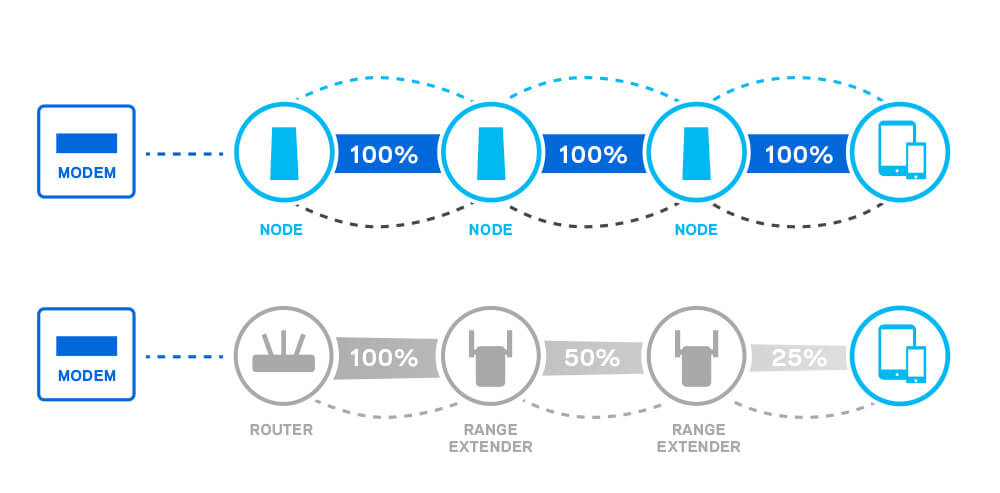
Key difference: mesh uses a dedicated backhaul between nodes (radio or Ethernet), while the extender shares the same band to receive and retransmit — halving the throughput at each hop.
4 advantages of mesh WiFi over the Extender
1. Easy deployment
Modern mesh systems offer a mobile app that guides you step by step : QR code scan, SSID/password choice, satellite placement. Setup in 10 minutes for 3 nodes.
The extender, on the other hand, requires :
- Connecting to its web interface (the default IP is often hard to find)
- Manually selecting the WiFi to extend
- Risk of compatibility issues (mixed WiFi generations)
- Separate configuration of each extender
2. Stable and resilient network
Mesh is a multi-hop network : if one node fails, packets are automatically rerouted via another path. It is a mesh in the literal sense.
The extender is a single-hop network : if the main router or an extender goes down, the entire downstream branch is paralyzed.
3. Flexibility to add/remove
With mesh, adding an extra satellite = 1 minute via the app. The new node automatically joins the existing network.
With several extenders, each addition creates its own network and its own SSID — the result : your home ends up with 4-5 different SSIDs (Home, Home_EXT1, Home_EXT2…), a source of confusion.
4. High throughput maintained
Modern mesh systems use a tri-band backhaul (a 3rd WiFi band, 5 GHz or 6 GHz, dedicated to communication between nodes). Throughput for clients stays at its maximum.
The extender uses the same band to receive and retransmit : throughput halved at each hop. With 2 extenders in cascade, you drop to 25% of the original throughput.
When an Extender is enough
The extender remains relevant in certain cases :
- A single isolated dead zone to cover (a far bedroom, garden shed)
- Small apartment < 80 m² with a wall of variable thickness
- Very tight budget (extender 30-80 € vs mesh 200-500 €)
- Temporary deployment (short-term rental, event)
Choosing a good extender
Always prefer a dual-band 2.4 + 5 GHz extender (Wi-Fi 5 minimum). Single-band 2.4 GHz extenders halve the throughput and should be avoided in 2026.
Detailed comparison Mesh vs Extender
| Criterion | Mesh WiFi | WiFi Extender |
|---|---|---|
| Setup | Mobile app, plug & play | Manual web interface |
| SSID | Single across all nodes | Separate SSID (e.g.: _EXT) |
| Roaming | Automatic & seamless | Manual, dropouts |
| Relayed throughput | Maintained (dedicated backhaul) | Halved per hop |
| Stability | Multi-hop, resilient | Single hop, depends on the node |
| Max coverage | 400-600 m² (3 nodes) | +30-50% of the router |
| Scalability | Add via app, simple | Multiplies SSIDs |
| Price | 200-1500 € depending on model | 30-100 € per unit |
| Ideal for | Home > 150 m², multi-story | Small home, isolated area |
Installation and setup
Mesh WiFi (3 nodes)
- Connect the main router to your box/ONT via Ethernet
- Install the manufacturer's smartphone app (Google Home, eero, TP-Link Deco, ASUS Router…)
- Follow the guided setup : SSID, password, security (WPA3 if compatible)
- Place the satellites halfway between the router and the dead zones
- Coverage test via the app, adjust the placement
- Enable automatic firmware updates
WiFi Extender
- Plug the extender in a central position between the router and the dead zone
- Connect your PC/phone to its temporary SSID (e.g.: TP-Link_REXX)
- Access the web interface (IP such as 192.168.0.254 or via the provided link)
- Choose the WiFi to extend, enter the password
- The extender restarts, check that the connection succeeded
- Optional : change the SSID so it is identical to the main one (avoids manual dropouts)
Professional alternatives (PoE, fiber)
For more advanced needs (large home, SMB, hospitality), consider :
PoE access points
Run Ethernet cable to PoE-powered WiFi access points (Ubiquiti UniFi, TP-Link Omada, Aruba Instant). Maximum performance, centralized management, no WiFi backhaul.
Internal optical fiber
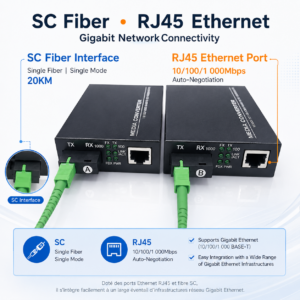
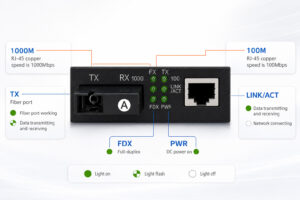
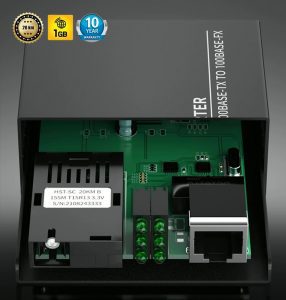
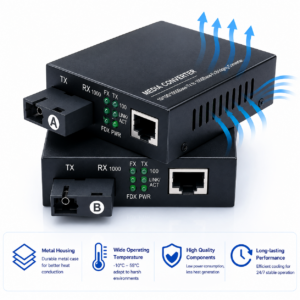
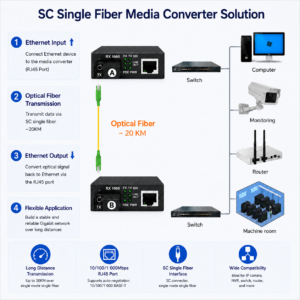
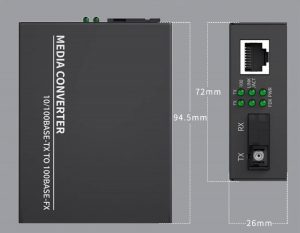
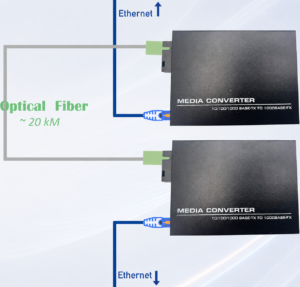
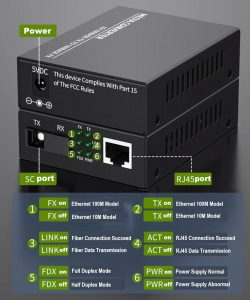
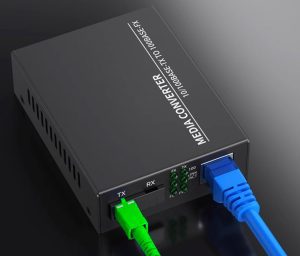
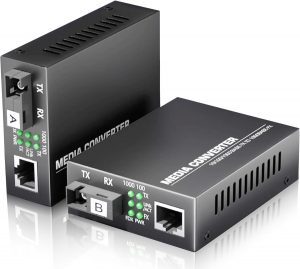
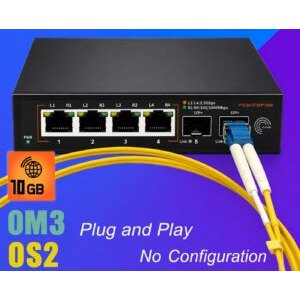
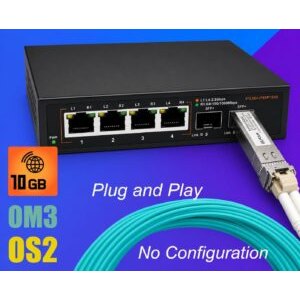
To link two buildings (house + outbuilding, two separate floors), use optical fiber + converters. Unlimited distance, low latency, total immunity to interference.
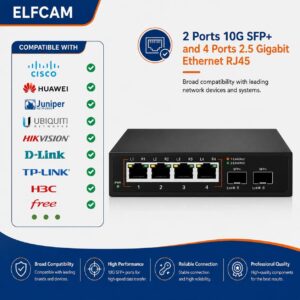
Elfcam solutions for a high-performance network
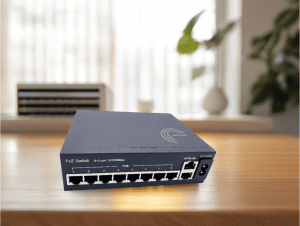
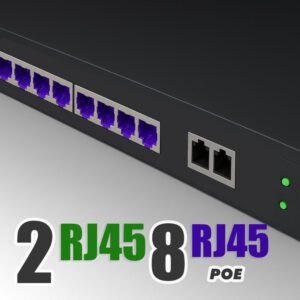
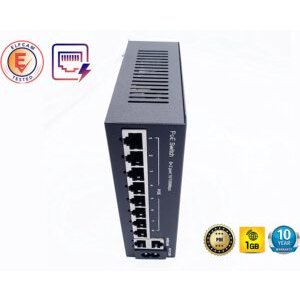
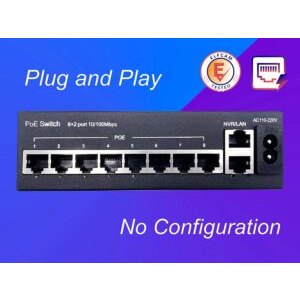
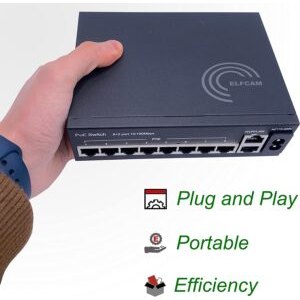
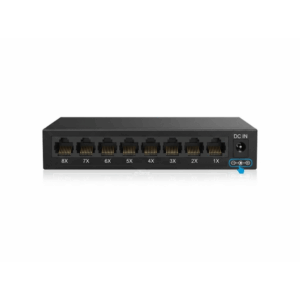
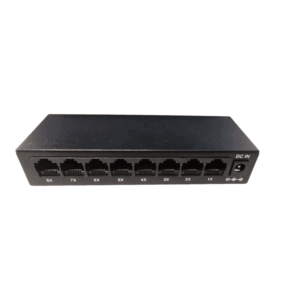
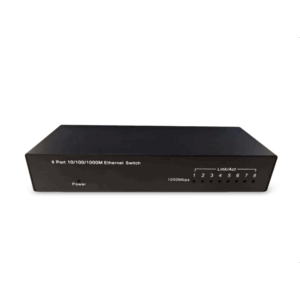
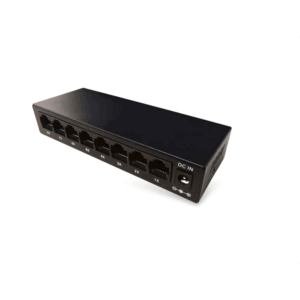
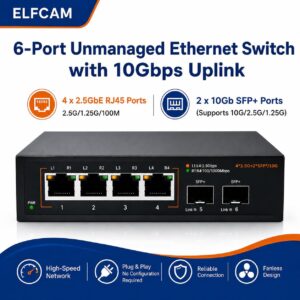
- PoE switches to power your pro WiFi APs
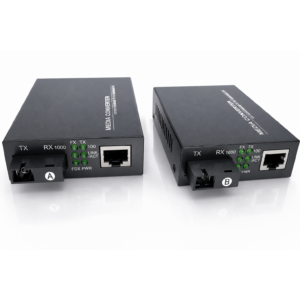
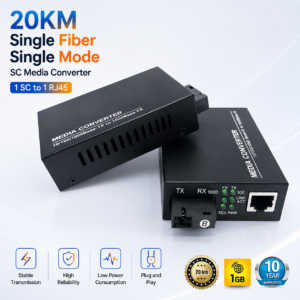
- Fiber-to-Ethernet converters to extend beyond 100 m
- Cat 6/7/8 Ethernet cables for wired backhaul
- WiFi 7 cards Intel BE200 for desktop PCs
FAQ — Mesh vs Extender
1Mesh or Extender, which to choose ?
- Mesh if you have several dead zones or a large home (> 150 m²)
- Extender if you just have one isolated dead zone and a tight budget
2Why does my extender halve my throughput ?
3How many mesh satellites do I need ?
- < 150 m² : 2 nodes
- 150-300 m² : 3 nodes
- > 300 m² : 4-5 nodes
4Mesh WiFi 6 or WiFi 7 ?
- 6 GHz band dedicated to backhaul
- MLO (Multi-Link Operation) for stability
- Ultra-low latency
- Future-proof 5+ years
5Automatic roaming, does it really work ?
6Does Ethernet backhaul improve mesh ?
7Mesh or pro PoE access points ?
Pro PoE APs (Ubiquiti, TP-Link Omada) : superior performance, centralized management, scalable without limit. Recommended :
- Homes > 300 m² with multiple floors
- SMB offices, coworking
- Hospitality, campsites, restaurants
8Where to buy my network equipment ?
In summary
Mesh WiFi is more powerful, easier to use and more stable than the Extender. For a home > 150 m² or with several dead zones, mesh is the clear choice. For a single isolated area with a tight budget, the extender is enough.
For pro needs, look at our PoE switches + WiFi 6/7 APs or our fiber converters to extend beyond 100 m.

















