Network switch : how it works, types and selection criteria 2026

Contents
The Ethernet switch (or switching device) is the most discreet yet most essential device in a computer network. It connects PCs, phones, printers, servers, IP cameras and WiFi APs within a single local network. Without it, modern networking would be impossible.
But not all switches are equal : L2 or L3, managed or not, PoE or not, 1/2.5/10 Gbps. This guide explains how a switch works, its technical types, and the criteria for choosing between a consumer Gigabit PoE switch and a professional managed 10G SFP+ switch.
What is a network switch ?
A switch is a device that :
- Interconnects several devices within the same local network (LAN)
- Manages physical MAC addressing (unique hardware addresses)
- Controls the network topology
- Handles errors and frame sequencing
- Regulates the traffic flow
The most common type is the Ethernet switch, which interconnects computers, WiFi APs, printers, IP cameras and NAS servers via Cat 6/7/8 Ethernet cables.
How a switch works
The switch dynamically learns the connected devices :
- When a frame is received, it reads the source MAC address and records it in an internal MAC table, associated with the incoming port
- To forward, it compares the destination MAC address against its MAC table :
- If the MAC is known → sent only on the corresponding port (unicast)
- If the MAC is unknown → flooding : sent on all ports (except the incoming one)
- Broadcast frames (ff:ff:ff:ff:ff:ff) and multicast are always sent on all ports
The MAC table is refreshed continuously. Old entries expire after a timeout (typically 300 seconds). This automatically handles device moves.
Unlike an old "hub" that sent everything to everyone, a switch maintains point-to-point conversations whenever possible. This multiplies the effective bandwidth and reduces collisions to zero.
L2 vs L3 switch
According to the OSI model, switches fall into two main categories :
Layer 2 switch (L2)
- Works at the data link layer
- Manages MAC addresses (L2)
- Intra-VLAN traffic only
- Typical models : 90% of switches on the market
Layer 3 switch (L3)
- Works at the network layer
- Manages IP addresses in addition to MAC
- Can route between VLANs / subnets
- Combines an L2 switch + router in a single device
- More expensive models, used in enterprise / datacenter
An L3 switch speeds up inter-VLAN routing compared with a classic router (hardware processing). See our detailed article managed vs unmanaged switch.
Types by function : managed, PoE, LAN
| Type | Characteristic | Typical use |
|---|---|---|
| Unmanaged | Plug-and-play | Home, small office |
| Managed | VLAN, QoS, SNMP, STP | SMB, datacenter |
| PoE / PoE+ / PoE++ | Power via Ethernet cable | IP cameras, WiFi APs, VoIP |
| SFP / SFP+ | Modular fibre ports | Backbone, long distance, 10G+ |
| Industrial | IP sealing, -40/+75°C | Factory, worksite, outdoor |
| LAN | Pure local switching | Floor, room, department |
Managed switch
Lets you configure VLAN, QoS, STP, LACP, SNMP, monitoring. Mandatory for professional networks with segmentation or supervision. See our managed vs unmanaged guide.
Unmanaged switch
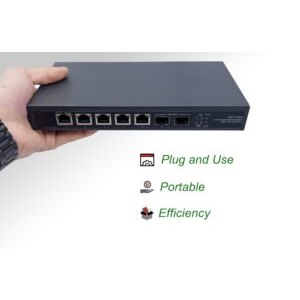
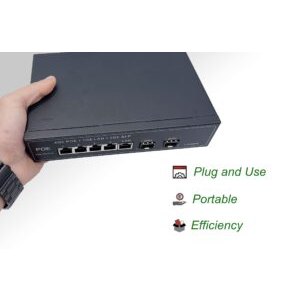
Plug-and-play, no configuration. Ideal for home or small office. Very reliable, inexpensive (€30-150).
PoE switch
Supplies electrical power along with data over a single Ethernet cable. Standards : 802.3af (PoE, 15 W), 802.3at (PoE+, 30 W), 802.3bt (PoE++, 60-90 W). Essential for powering :
- Outdoor IP cameras
- Outdoor IP67 WiFi 6 APs
- VoIP phones
- Industrial IoT sensors
LAN switch
Generic term for any switch serving a local network. As opposed to WAN/MAN (metropolitan) switches, designed for longer distances with SFP+/QSFP fibre modules.
Selection criteria
- Number of ports : 5, 8, 16, 24, 48 depending on needs (allow 30% margin)
- Throughput per port : Gigabit standard, 2.5 Gb for recent NAS, 10 Gb for pro/datacenter
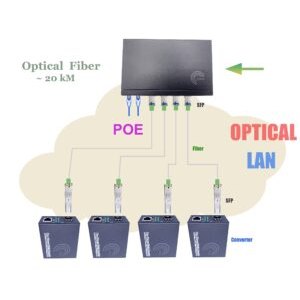
- SFP/SFP+ ports : for long-distance fibre uplink
- Total available PoE : Watt budget (an 8-port PoE+ switch can offer 120 W total)
- Managed or unmanaged : depending on VLAN/QoS needs
- L2 or L3 : depending on inter-VLAN routing needs
- Metal vs plastic casing : metal is better for heat dissipation and durability
- Redundant power supply : for critical environments
- Power consumption : IEEE 802.3az (Energy Efficient Ethernet) reduces it by 30-50%
- 19" rack or desktop mounting : depending on location
Elfcam solutions
Elfcam switch range
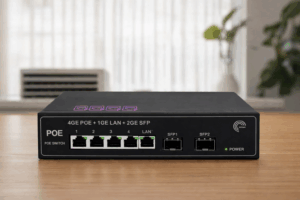
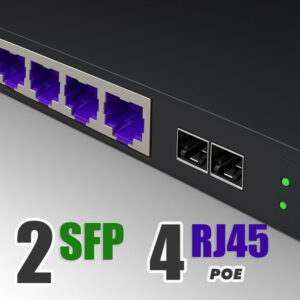
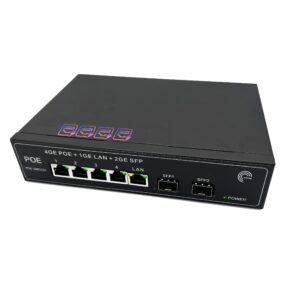
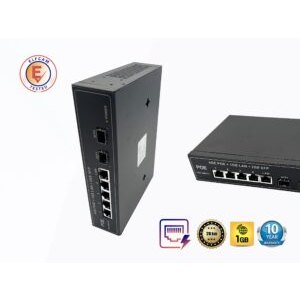
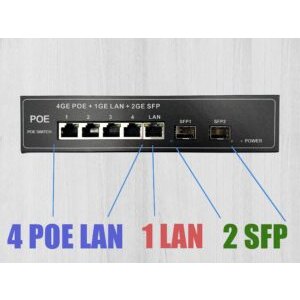
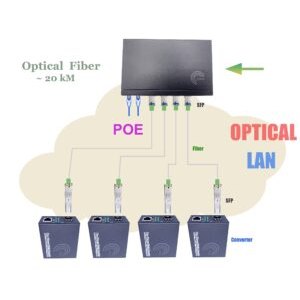
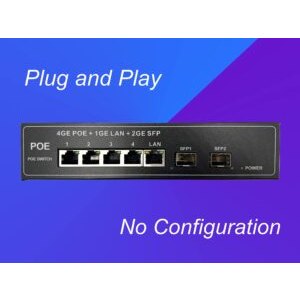
- 4-port PoE switch + 2 SFP — home, cameras, small office
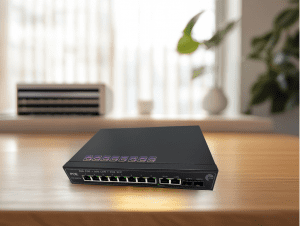
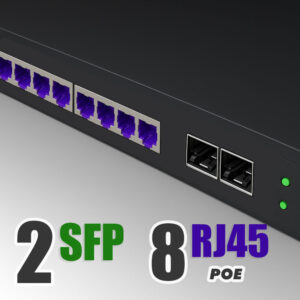
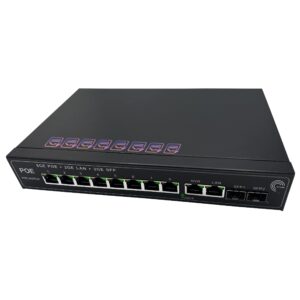
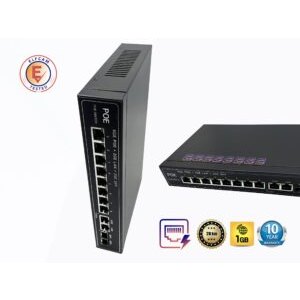
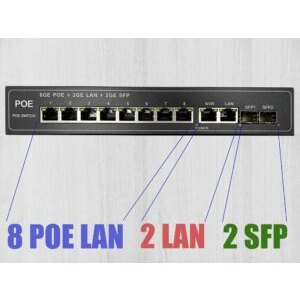
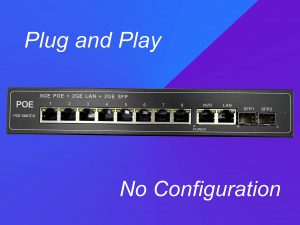
- 8-port PoE switch + 2 SFP — home/SMB with cameras and APs
- 16-port PoE switch + 2 SFP — SMB, residence, hotel POL
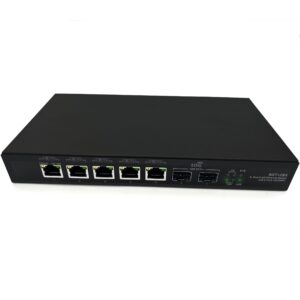
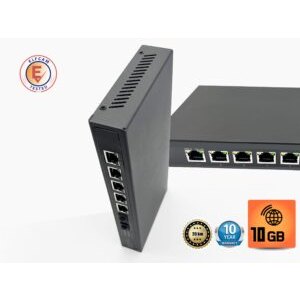
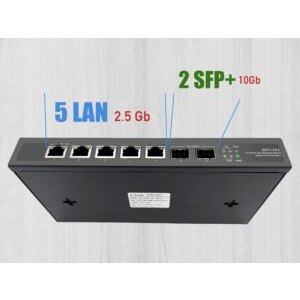
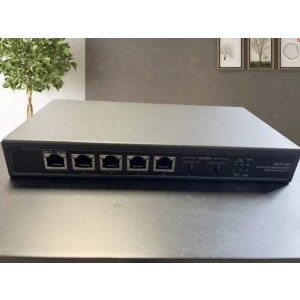
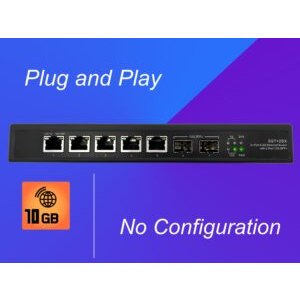
- 2×10G SFP+ + 5×2.5G RJ45 switch — NAS backbone + recent PCs
- 10G SFP+ switch range — home datacenter, pro NAS
- SFP/SFP+ BiDi, LR, ER modules — for all speeds and distances
- Cat 6/7/8 Ethernet cables — interconnection

FAQ — Network switch
1Switch vs hub ?
- Hub (1990s) : sends every frame to all ports, frequent collisions, divided throughput
- Switch : learns MACs and sends frames only to the destination port, full throughput per port
2How many ports on a home switch ?
- Box + 3-5 wired devices : a 5-port switch is enough
- Home with 6-12 wired devices : 8-port switch
- Home with 12-20 devices + cameras + APs : 16-port switch
- SMB / advanced setup : 24 or 48 ports
3Gigabit or 2.5 Gb ?
- Gigabit : enough for 99% of home uses (1 Gbps fibre, 4K TV, standard PC)
- 2.5 Gb : relevant if you have a recent NAS, a gaming PC with a 2.5 Gb port, multi-gig fibre (2-10 Gbps)
- 10 Gb : for pro NAS, 4K/8K video editing, home datacenter
4How much PoE is really available ?
- Total Watts of the switch
- Max Watts per port
- 802.3af/at/bt compatibility with your devices
5Network loop : how to avoid it ?
- Spanning Tree (STP/RSTP) on managed switches : detects and disables redundant links
- Loop Protection on some unmanaged switches : basic detection
- Caution : connect only a single cable between two devices unless LACP is configured
6Does a switch reduce the WiFi signal ?
7Silent switch or one with a fan ?
- Fanless (no fan) : total silence, limited to 120-180 W total PoE, desktop format
- With fan : needed for 24+ port PoE or 10G switches, 1U rack format
8Elfcam delivery and warranty ?
In summary
The Ethernet switch is the heart of every local network : it interconnects devices, manages MAC addresses, avoids collisions. In 2026, prefer a Gigabit minimum switch, with PoE if you have outdoor cameras or APs, and a 10G SFP+ port for a multi-gig backbone.
For home use, an 8-port Gigabit PoE switch does the job very well. For a hotel POL or an SMB, add a 2×10G + 5×2.5G switch for the backbone. Complete it with Cat 6/7/8 Ethernet cables and SFP+ modules for fibre links.

















